21 Jul
computer mouse

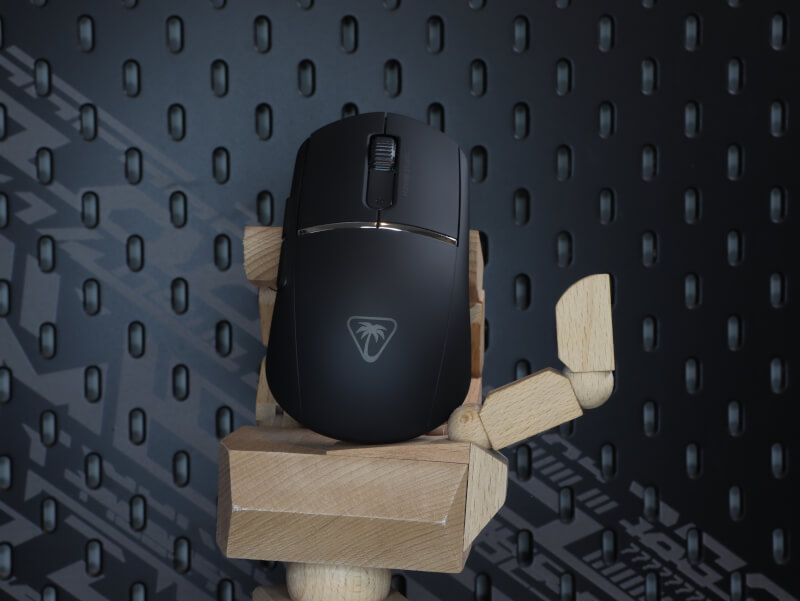
Before we move on to the test, I found out the specifications through Turtle Beach's website.
The Burst II Pro is an ultra-light gaming mouse with a focus on precision and fast response. It is equipped with a high-end optical sensor, fast-acting mechanical switches and a polling rate of up to 8000 Hz. The weight is kept low for fast movements and minimal fatigue during long sessions. Large-scale PFTE feet ensure smooth gliding, and the design is symmetrical with a focus on claw and fingertip grip. The software provides access to DPI adjustment, polling rate and macros.
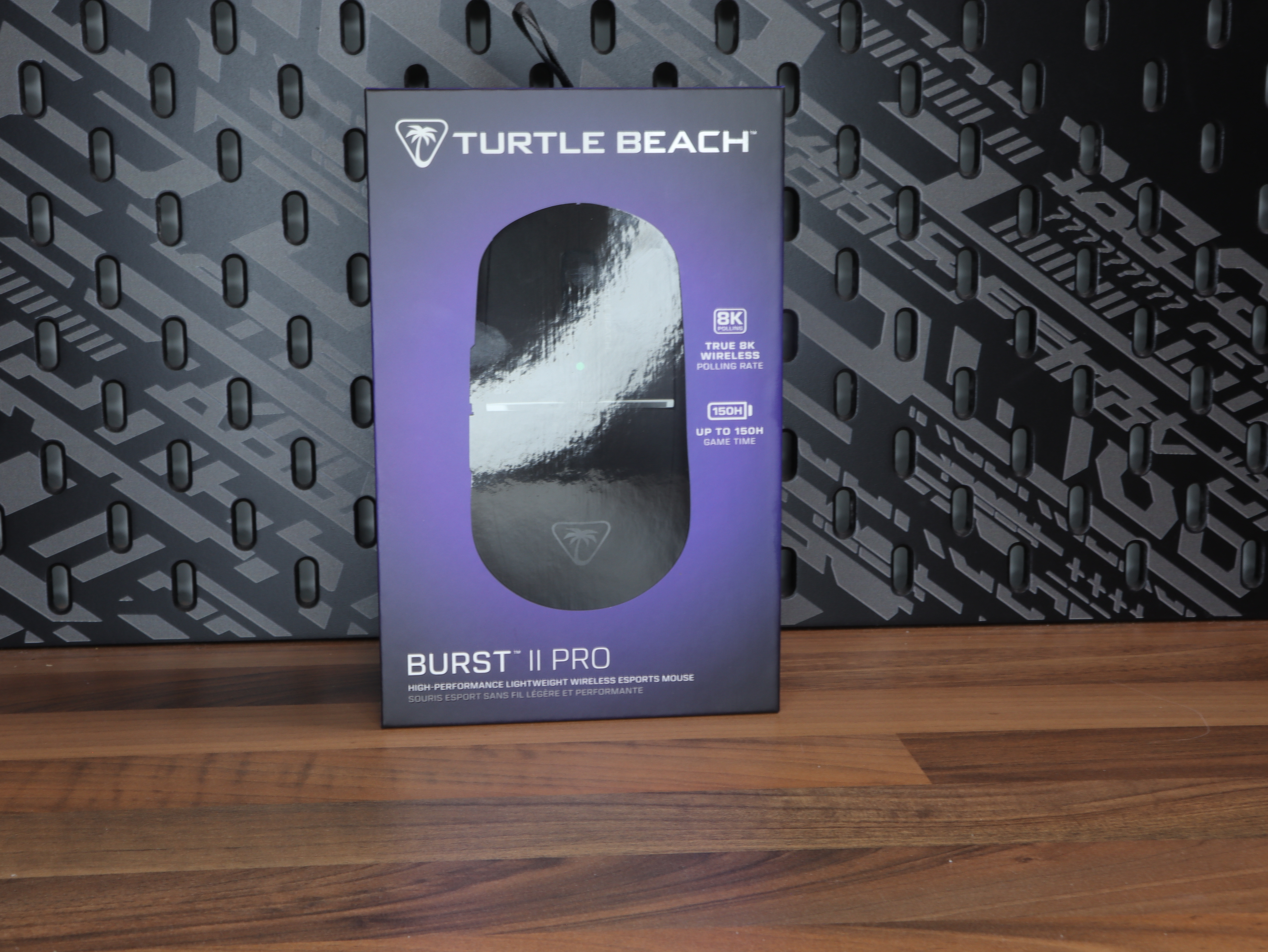
In the box you will find the Burst II Pro itself, a braided USB cable (on wired variants or for charging on wireless models), a USB dongle on wireless versions, as well as documentation and a quick start guide. There are no unnecessary accessories included, which supports the minimalist product focus.
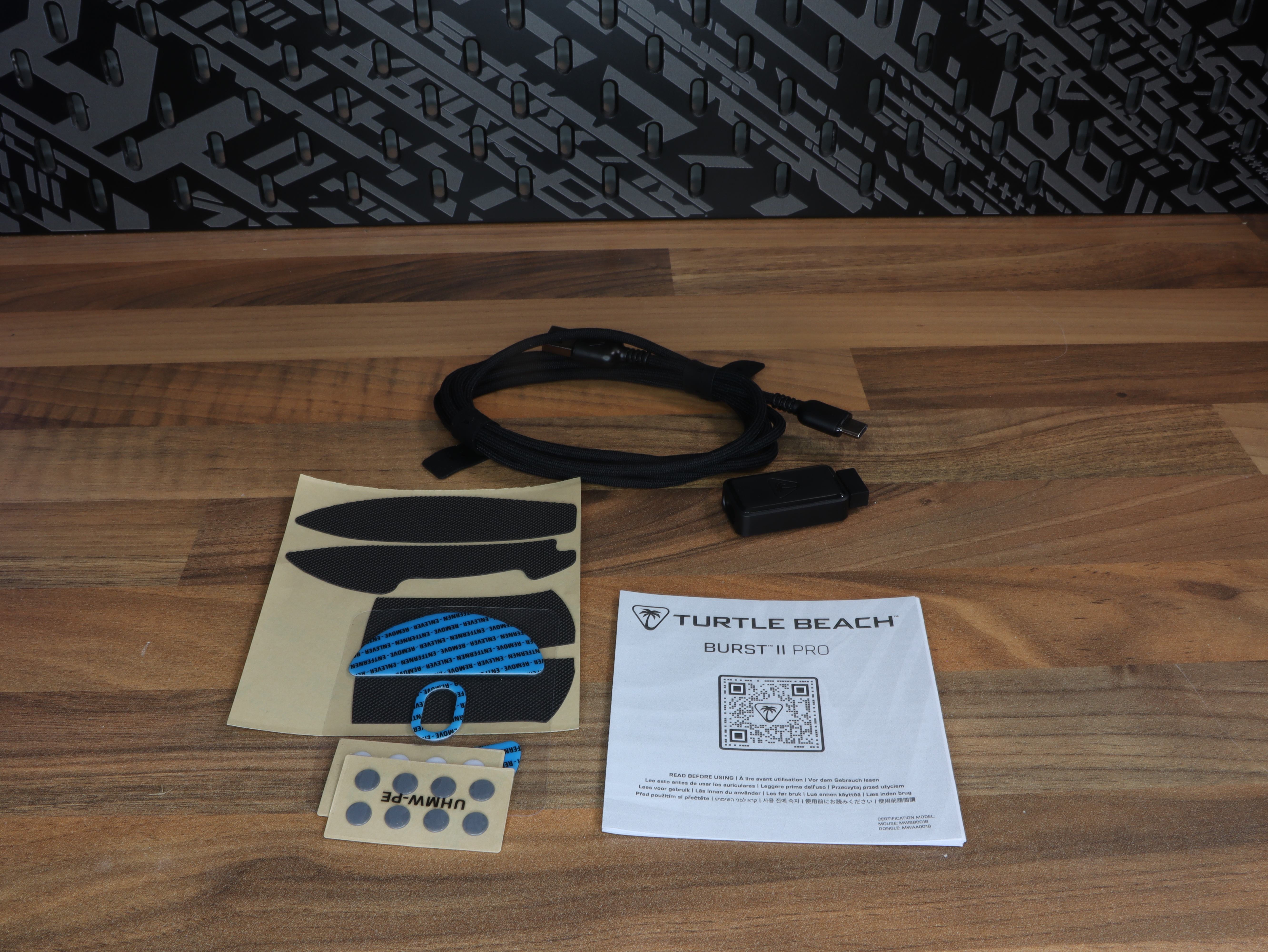
The left side is slightly curved with a discreet ergonomic inward shape that gives the thumb a natural resting point. Here you will find two side buttons placed with a suitable distance, so they are easy to activate without false clicks. The surface has a slightly matte structure, which provides good grip without appearing aggressive.
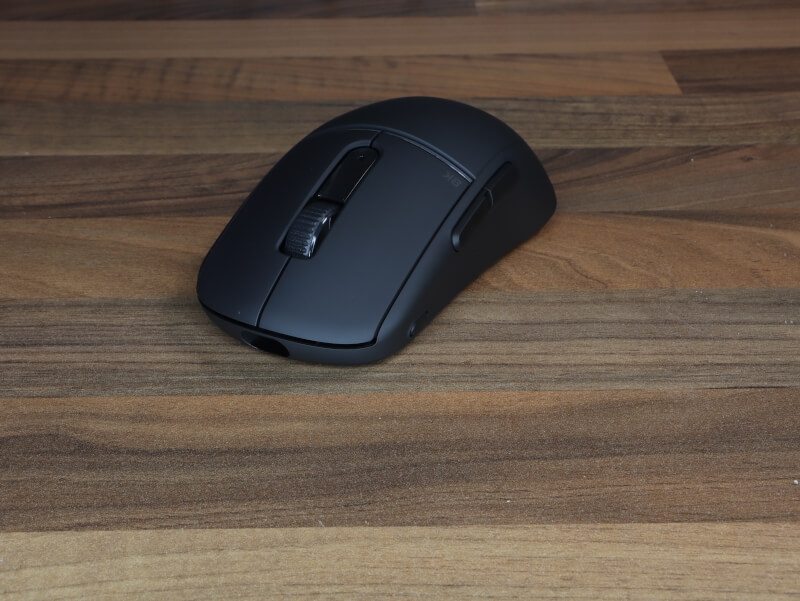
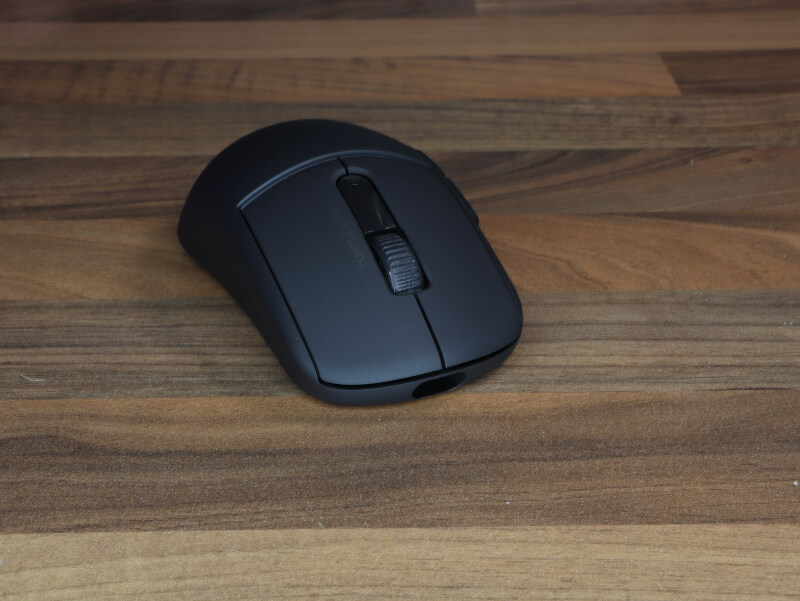
The right side is clean and buttonless. The shape follows the same ergonomic line as the left, giving a balanced feel in the hand. The smooth, matte finish supports a neutral grip and makes the mouse suitable for multiple grip types.
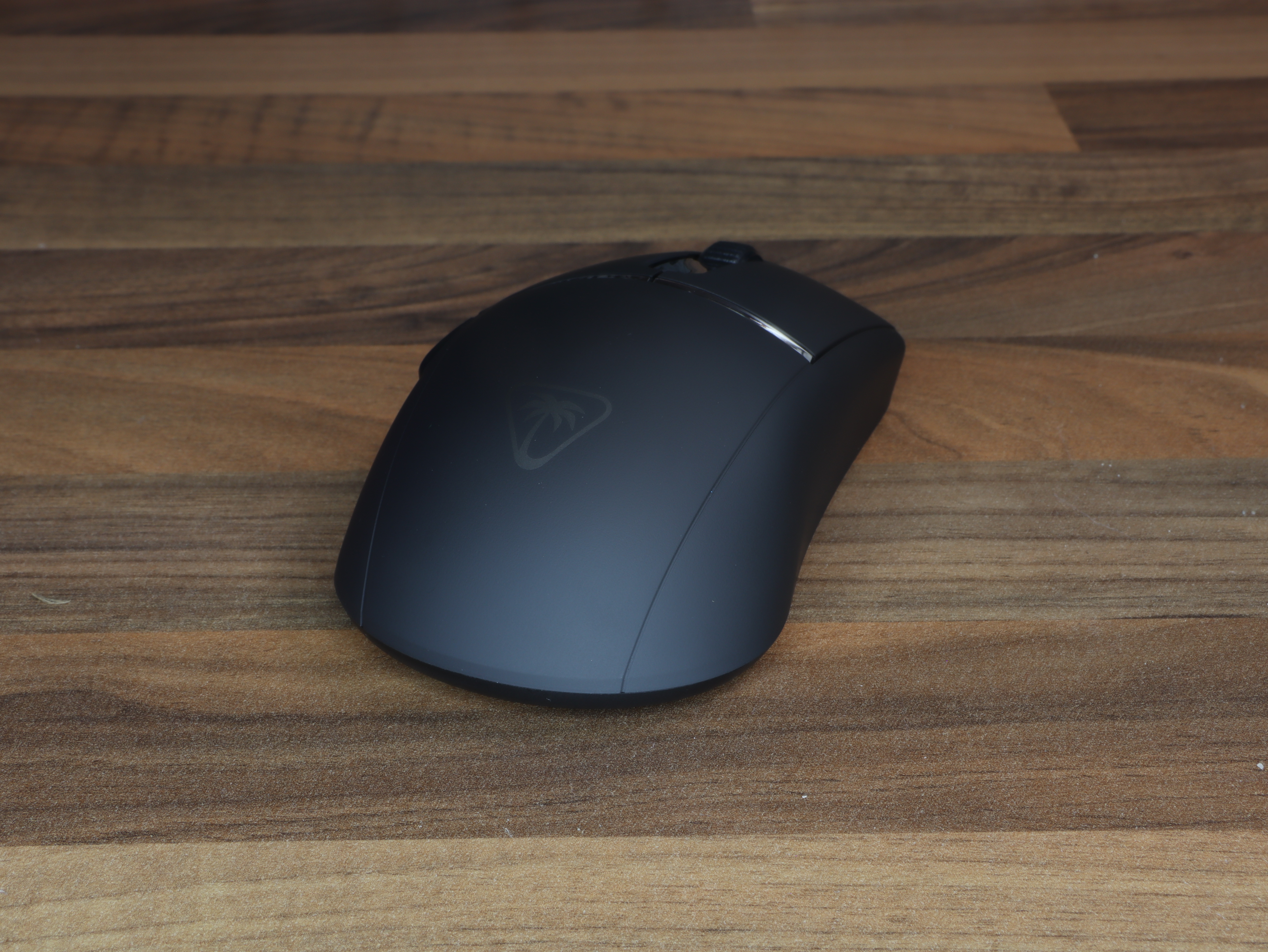
The design is minimalist and streamlined. The top houses the left and right main buttons with a clear but muted click response. The scroll wheel has a rubberized surface with fine serrations and operates almost silently. Behind the scroll wheel is the DPI button, discreetly integrated into the design.
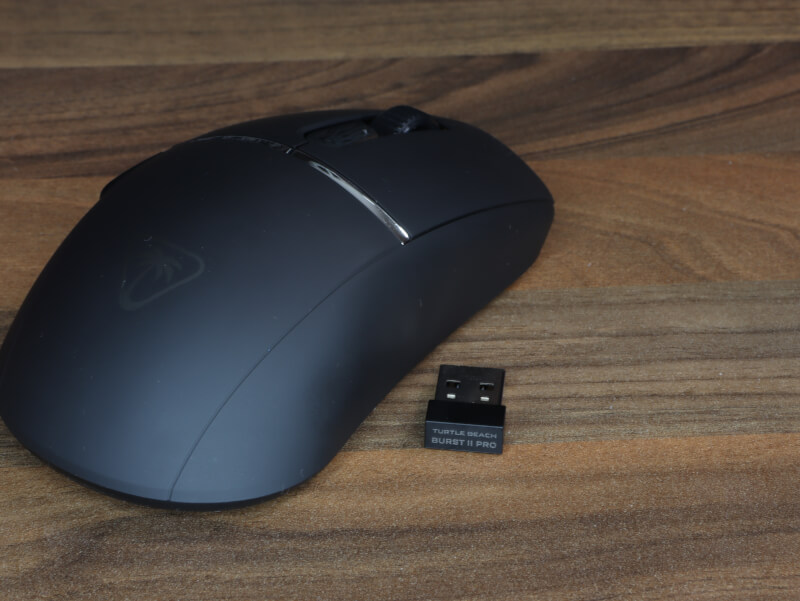
Burst II Pro is available in both wired and wireless versions. The wireless version uses a 2.4 GHz USB dongle for low latency and can be charged via the included USB cable. A USB receiver is included, and the connection is stable with a focus on low input lag.
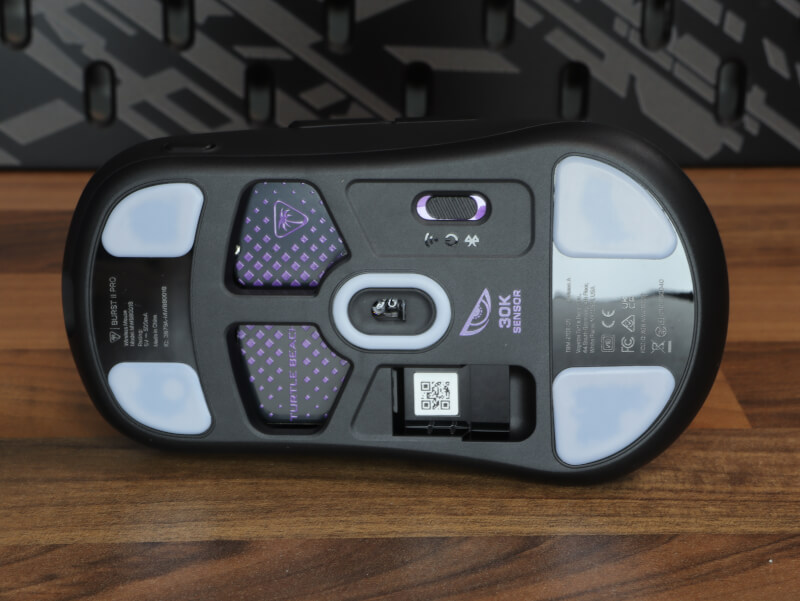
The base is equipped with large, white PFTE feet that cover a significant portion of the contact surface – both front and back, and around the sensor. This provides a smooth and stable gliding feel with minimal friction. The sensor is centered for consistent tracking. Burst II Pro uses a high-performance optical sensor (PixArt-based) that can reach up to 26,000 DPI depending on the model. Tracking is precise, and the sensor supports a high polling rate of up to 8000 Hz.
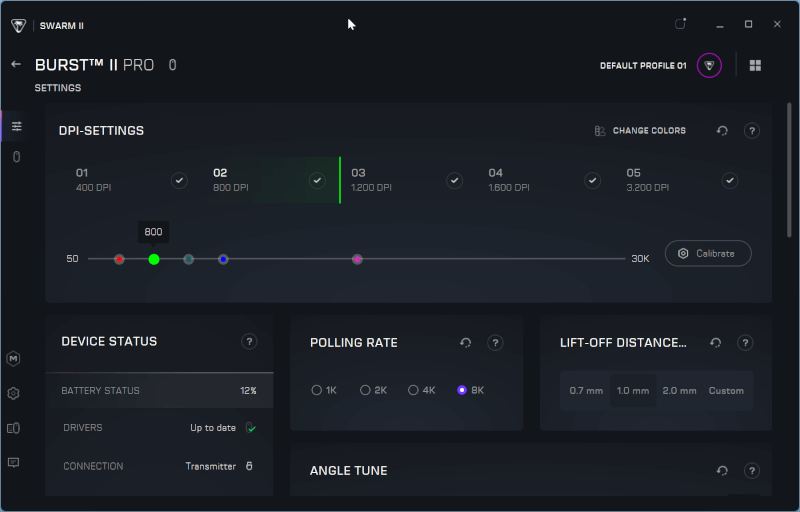
Swarm II provides access to step DPI adjustment, polling rate selection, button mapping and macro setup. There is the option to save profiles and adjust debounce time. The interface is clear and functional without being cluttered.
Of course, we need to test the mouse thoroughly. That's why I've put my normal mouse aside and replaced it with the Burst II Pro. It's been used over a period of time for both general office use, image editing, and intensive gaming, so I've gotten a solid impression of its consistency and response under various loads.
Remember, this is not professional equipment, but compared to mice in the future, it can still give an indication of the actual polling rate of the mouse.
This time the test is performed with 8000 Hz polling rate activated. I use an online polling rate tester by continuously moving the mouse in circular and fast side-to-side movements. During the test I measured an average of 3984 Hz and a maximum of 4805 Hz. This shows that the mouse delivers a significantly higher reporting frequency than the standard 1000 Hz, but also that in practice – as expected – it does not consistently hit the theoretical 8000 Hz.
The Burst II Pro continues to have an incredibly well-balanced size, reminiscent of other minimalist high-end models in the segment. The low weight makes it extremely easy to accelerate and stop precisely, which is especially noticeable in fast FPS movements, where micro-adjustments feel controlled and stable. Gliding over the mouse pad is extremely smooth thanks to the large PFTE feet, and friction is minimal without feeling uncontrolled.
The scroll wheel operates almost silently and has a comfortable, well-tuned resistance, making it useful for both gaming and regular scrolling. The side buttons produce a muted and precise click sound, and the primary switches also have a low and controlled sound level. Overall, it provides an experience of quality, solidity and consistent feedback.
Overall, it's a really strong high-end mouse. It's light, fast and responsive, and the high polling rate provides a technical boost for those who want maximum input refresh. It's not revolutionary in its approach, but it delivers high-level performance and gets the job done effectively without any notable weaknesses.
I have found a price for the Burst II Pro from Turtle Beach of $89.69.

If you want to find more information about the Burst II Pro from Turtle Beach, you can click on the banner above.
The Burst II Pro clearly positions itself at the upper end of the gaming segment, where the focus is on pure performance rather than visual gimmicks. After an extended testing period with both office work, image editing and intensive gaming, it is clear that we are dealing with a mouse that prioritizes stability, low weight and high responsiveness. It delivers a consistent experience, regardless of whether the load is precision-demanding FPS games or daily productive use.
With the 8000 Hz polling rate enabled, I measured an average of 3984 Hz and a maximum of 4805 Hz. This emphasizes that the mouse actually operates at a higher reporting level than traditional 1000 Hz models. At the same time, the measurements also show that the theoretical 8000 Hz is not maintained constantly in practice – which is to be expected. For the average user, the difference will be subtle, but for the technically oriented gamer it is an extra layer of precision and input update.
The low weight is one of the mouse's greatest strengths. It makes quick changes of direction, flicks and micro-adjustments easy and controlled. Combined with the large PTFE feet, you get a smooth and smooth movement over the mouse pad with minimal friction. This gives a feeling of effortless control without the mouse feeling too light or unstable.
Ergonomically, the Burst II Pro appeals to a wide audience. The shape is neutral and well-balanced, making it suitable for multiple grip types. The minimalist approach also means that there are no superfluous elements that disrupt the overall experience. The design is simple, functional and without aggressive lines.
The scroll wheel works almost silently and has a well-tuned resistance, which makes it useful both in games and for regular scrolling. The side buttons are precise and muted, and the main switches deliver a low and controlled sound level. Overall, the mouse appears solid and well-engineered in its construction.
The advanced Owl-Eye sensor delivers precise tracking and high DPI, ensuring the mouse can handle both low and very high sensitivity settings without issue. Tracking feels stable and predictable, even with fast movements.
Battery life is generally reasonable, but here the compromise of a high polling rate becomes clear. If you constantly run with 8000 Hz activated, battery consumption will naturally be higher. This is the price of maximum performance, and here the user must judge for themselves whether the gain is worth the compromise.
With a price of 999,- DKK, the Burst II Pro is positioned in the premium class. It is not cheap, and the competition in the segment is tough. The question is therefore whether it offers anything revolutionary. It does not. But it delivers stable, complete and reliable performance without obvious weaknesses.
This is where its strength lies. It doesn't try to reinvent the gaming mouse, but rather refines the classic parameters: weight, sensor, glide, and response. The result is a mouse that feels mature and well-balanced.
Overall, the Burst II Pro is a strong high-end solution for the gamer who wants low weight, high polling rate and solid build quality in a clean design. It delivers what it promises – no more, no less – but it does so at a high and stable level. That's why we end up with a 9 out of 10.
Benefits
Disadvantages
Score: 9