18 Sep
speaker

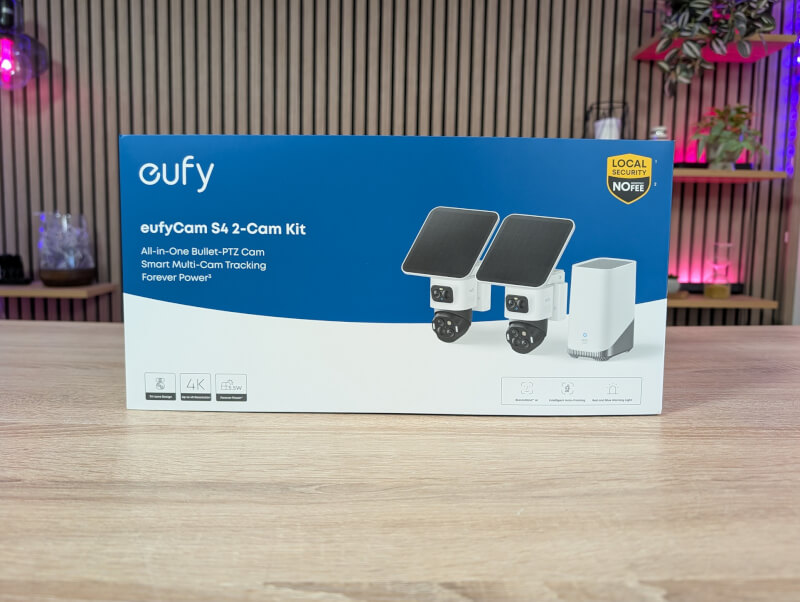
What sets the eufyCam S4 apart from many of the other surveillance cameras we've looked at previously is the combination of a stationary camera and a PTZ camera in one unit, giving us no less than three camera lenses.
The eufyCam S4 is available in several different versions with individual cameras and in kits, like the one we received for testing. Our test bundle consists of two eufyCam S4 cameras and a HomeBase S380.
The eufyCam S4 camera unit itself is significantly larger than most security cameras we've looked at before. This is due to its unique dual camera design.
eufyCam S4 consists of a total of three lenses divided between a stationary but rotatable camera, as well as a PTZ camera that allows for 360 degree rotation and 70 degree tilt.
The top of the two cameras consists of a 4K lens with a 130 degree viewing angle. The camera can be manually rotated 180 degrees and tilted 70 degrees so you can position it as you wish.
The bottom camera is a PTZ camera that can be rooted, titled and zoomed via software.
Both are mounted on a base that can be mounted either on a vertical or horizontal surface. This way you can mount it on a wall or under, for example, an overhang on the roof.
In addition to the mounting bracket, the base also contains a battery that provides power to the device. Also included in the box is a solar panel that charges the battery during the day so you don't have to worry about power.
The box includes all the accessories you need to install both cameras and solar panels.
The solar panel can be mounted either directly on top of the cameras or externally and supply power via an included cable.
If you want to set up your eufyCam S4 system to continuously record 24/7, you can also connect a permanent power source.
If you want to store your recordings directly on the eufyCam S4 device, there is a slot for a microSD card on the back of the device. There is 32 GB of local storage on the devices already, but this can be expanded with microSD up to 256 GB.
The motion sensors in the eufyCam S4 are a combination of Radar and PIR that have a range of up to 12 meters. If an alarm is triggered, the units have a 105 dB siren along with red and blue lights that can serve as a deterrent to intruders.
The second part of our bundle is a small HomeBase S380 device. It is a small network device that can function as a Hub for eufyCam S4 or other eufy devices. If you have a HomeBase S380, your eufy devices are connected to it and it acts as a unified local storage for all recordings that are stored encrypted.
There is 16 GB of built-in storage in the HomeBase unit, but there is room for a 2.5” SSD and you can expand it with up to 16 TB of storage.
All recordings are stored with AES-128 and RSA-1024 encryption and can only be accessed via approved devices.
The HomeBase device also adds additional features to your system. The extra power in the device unlocks eufy's BionicMind AI, which can be set up to recognize faces, pets, and vehicles. This way, you can make sure the system doesn't send you alerts when family members come home, for example.
With the HomeBase S380 you also get the option of Cross Camera Tracking. This means that if the system detects someone on your property, it can follow them across multiple cameras for better coverage.
There is of course a bit of physical setup involved with a system like the eufyCam S4. The box comes with a quick intro and a link to the eufy app, which will provide most of the instructions.
Before you get started, it might be a good idea to think about where you want your units to be placed. Since each unit consists of two cameras that can film independently of each other, it might be advantageous to place the camera on the corner of a building so that it can film down two sides of the building.
When setting up the system with a HomeBase S380, this must be set up first. Here it is also important to place the device as centrally as possible as this is what the eufyCam S4 devices connect to. It must be connected to your router via the included network cable. So it also requires that you have free space.
In my case, it was placed in the workshop connected to the garage where I had a Mesh WiFi node installed. It was about as central as I could get it to be.
In terms of setup, just follow the step-by-step instructions in the eufy app. It walks you through the entire process in a really nice way. In my case, I installed a 1TB SSD in the HomeBase device so that I wasn't limited by storage space. If you want a more advanced system, it is also possible to set up recording storage on a NAS device via RTSP. However, I haven't had the opportunity to test that.
Once the HomeBase unit is in place, you can add the eufyCam S4 camera units. This requires both the physical setup where it is mounted where you want it and the digital setup through the app.
There is also a really good and detailed guide in the app that covers the entire process and ensures that you achieve a connection and tells you if the signal is good enough where you want it.
The physical installation also includes the small solar panel for each unit. If you do not mount it directly to the units, a small mounting bracket is included to allow for mounting it.
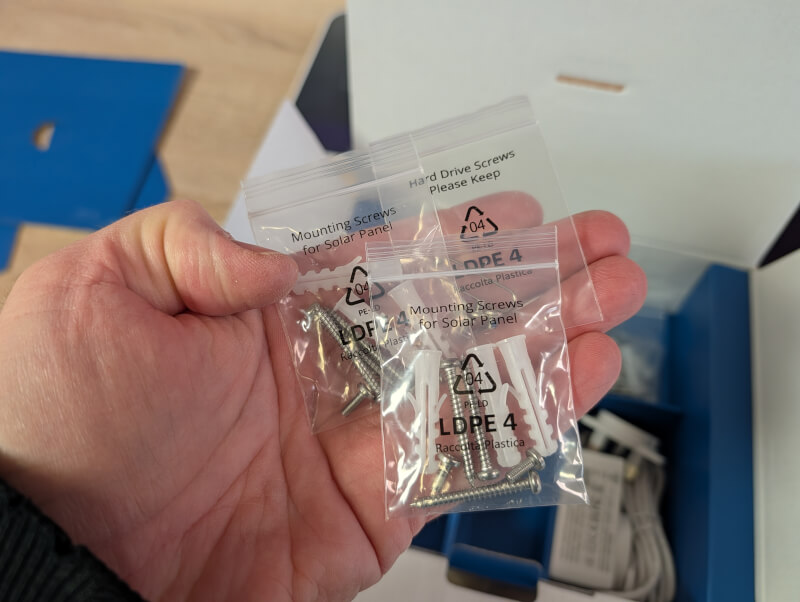
All cables for the system are made with seals built into the connectors to minimize the risk of water entering the system.
Overall, it took me about an hour to complete the entire setup and I didn't run into any challenges along the way.
I've had the eufyCam S4 2-Cam Kit system running for a few weeks with the HomeBase S380 unit.
After the initial setup, I have done nothing but adjust the settings and try out the different options.
Both cameras have had no problems getting enough power via the included solar panels even through the very gray and short winter days we have had during the test.
The experience of the system has been somewhat different than other systems I have tested previously. This is primarily due to the dual camera option.
This is of course most clearly seen in the eufy app where each camera gives two separate images. I have set up the cameras to cover a wider area than a normal camera would be able to and this means that despite only having two units in the system I can cover significantly more of the area around our house.
Via the settings in the app it is possible to turn on PTZ tracking so that the two cameras can complement each other. With this setting enabled, the PTZ camera will change position and follow a person, for example, even if the fixed camera detects movement.
This means you get good footage that follows the movement all the time. I have tested several times how the tracking function works in both daylight and darkness. In both cases, the eufyCam S4 units did the job very well.
Via the app it is possible to set up a variety of different conditions for how the cameras should react when you register movement. It is possible to sort things so that the system does not send you notifications if vehicles or animals are registered, for example.
In the same way, it is also possible to set up zones that should either be in focus or omitted from the coverage. For example, it is very practical if you have things set up so that you can capture the neighbor's house or a busy road. Then you simply set up a barrier in the system so that areas like them are not covered. When this is done, there will simply be a black box over the area regardless of which of the two cameras is used.
The app also allows you to set up when and how the eufy system should be active. Here you can choose whether you want to receive notifications when you want, whether the cameras should record, and whether an alarm should be activated. The eufy S4 devices have the option of both light and sound to function as an alarm. You can set up multiple profiles so you can have one set of rules when you are out of the house and perhaps want the alarm to be triggered when people are registered in the backyard, and another when you are at home and just want everything turned off so you don't get notifications when the kids are playing in the backyard.
Switching between the different modes is wonderfully easy and straightforward via the eufy app, and you quickly receive notifications when the system detects movement.
It is also really good for categorizing things such as animals, people or vehicles.
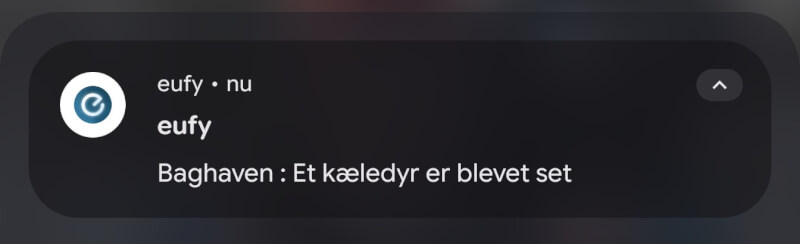
If you want to use the more advanced features, such as facial recognition, you must make sure to activate it in the settings in the app and fortunately it is not a feature that you have to pay extra for.
Here you can feed the system with pictures of family and friends and teach the system to recognize them. Alternatively, you can wait for the system to record pictures of people, which will then be found in the “Unknown” group, where they can be named.
Overall, I have been impressed with the results with the eufy S4 system, which has seemed like a robust and very flexible system during my testing.
However, I initially found the app to be a bit sluggish when updating settings and accessing recordings. It sometimes took quite a while for the updates to reach the system, and several times I also had to try several times before the system accepted an update of the settings. However, I discovered that this was due to a slightly weak WiFi connection. In my home, we have a Mesh WiFi system, which under normal circumstances covers quite widely and into every corner of the home without any problems. When you set up your eufy system with a HomeBase unit, the units connect directly to that unit, and not via your normal WiFi network. This can limit the speed a lot, depending on the distance between the camera units and your HomeBase.
However, I found the option in the settings to enable Multi-Bridge WiFi, which also connects things through your normal WiFi. After that setting was in place, most problems were solved and the system became a lot more responsive.
At the time of writing, I can find the eufyCam S4 2-Cam Kit, which I have visited for testing, with an online price of around $1,170.99.
It may sound expensive, but the system here is quite feature-rich and details such as dual camera and local storage are not something you get in many places. In addition, I also think that you should remember that the system is based on 100% local storage. There is therefore no ongoing cost associated with the eufyCam S4 system for storage and access to the full functionality as with almost all similar systems. eufy offers the option to take 30 days of backup of saved recordings with a Cloud service.
As an example, an Arlo Secure subscription that provides access to the same features as we have here costs just under $300 per year in ongoing expenses.
The eufyCam S4 is a super powerful surveillance system with a ton of great features. The bundle solution I've had with two cameras and a HomeBase S380 unit gives a really good and flexible system that beats anything else I've tried.
The dual camera solution combined with active tracking and powerful software means that with two devices you get a system that covers much wider than other similar systems.
It's especially nice that after setup you don't have to think about much as the system is powered by solar panels and all recordings are stored and encrypted locally without the need for ongoing costs for a paywall that blocks full functionality and storage.
The price may be a bit on the higher side, but considering the features you get and the fact that you can completely ignore running costs, I think the price is a reasonable price.
We end up with a final score of 9 and a Great Product Award for a feature-rich and effective home surveillance system.
Benefits
Disadvantages