27 Nov
gadgets


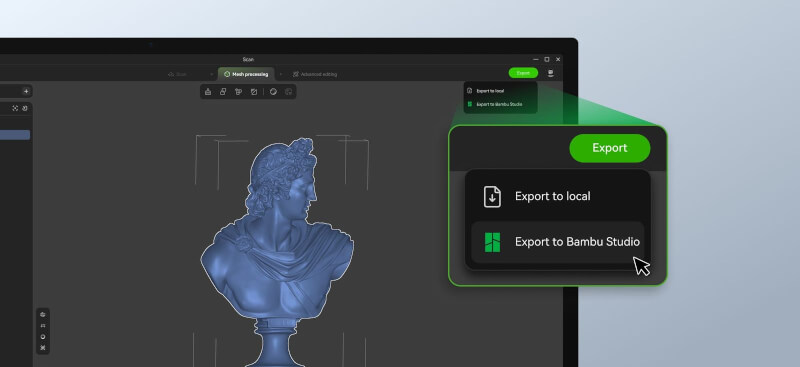
The S1 will hit the market at a price of $1,699 and comes with fully integrated wireless hardware, a built-in display and access to the free Bambu Scan application, which brings together the entire workflow from scanning to preparation in Bambu Studio at no additional cost.
The Bambu Lab S1 packs all the necessary hardware for cable-free scanning into a single, compact housing weighing just 710 grams . The handle is designed with a textured surface and a natural angle that relieves the hand during extended sessions, while the buttons are positioned for easy one-handed operation.
The device features a 3.5-inch HD touchscreen that displays the entire scanning process in real time and lets the user change modes and parameters directly on the scanner. This means the user doesn't have to take their eyes off the object while working. Power is provided by two built-in batteries, each 4,800 mAh, which provide up to 3.5 hours of active scanning even in high-power mode, and the included 60W fast charger charges the device from 0 to 100 percent in just 1.5 hours.
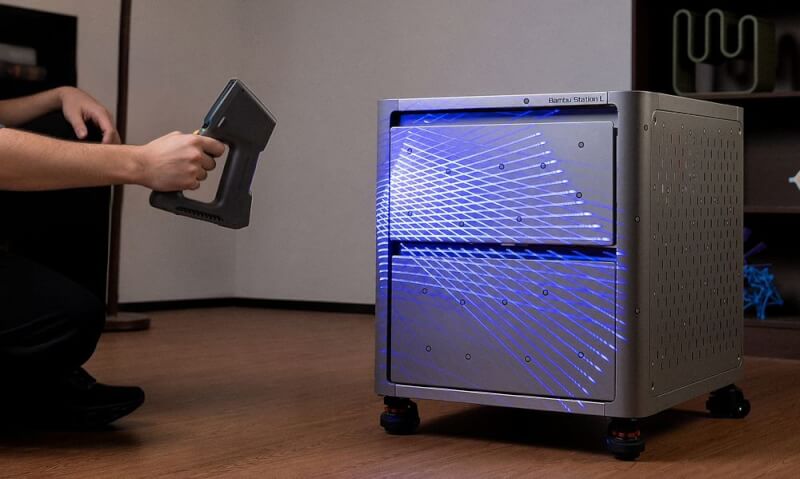
The built-in Wi-Fi 6 module transmits data wirelessly to the computer with millisecond latency and a frame rate of up to 80 FPS. Alternatively, the scanner can be connected directly via cable if the computer lacks Wi-Fi 6 support. A high-precision glass calibration board is also included, and an electric turntable and a Wi-Fi adapter will soon be available as accessories.
Internally, the Bambu Lab S1 combines two different light sources – blue laser and infrared structured light – which together provide four different scanning modes, all with full support for color texture mapping via an RGB camera, a monochrome camera, and 6 blue-white and 6 infrared fill lights:
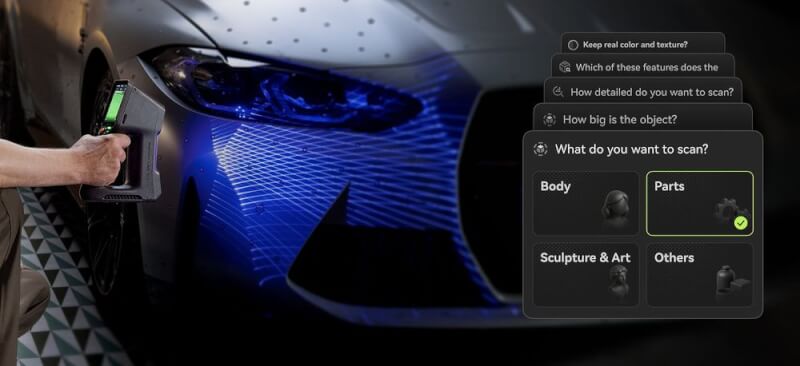
All three blue laser modes deliver single-image accuracy down to 0.02 mm and volumetric accuracy of 0.02 mm + 0.06 mm/m (keeping the deviation of a 1 meter long object within 80 microns) at up to 90 FPS.
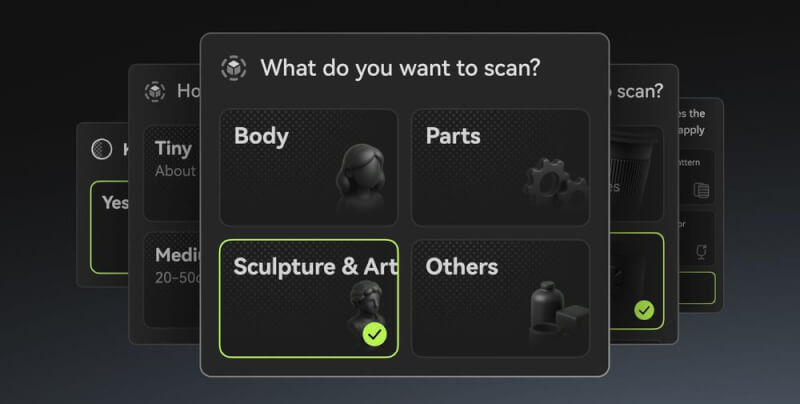
The Bambu Scan software is included free of charge for all S1 owners and eliminates the need for manual fine-tuning. The program features 14 preset scenes for specific categories – including eye-safe face scanning ( Face ), automotive parts ( Automotive Parts ), small precision parts under 15 cm ( Small Parts ), art and reliefs ( Cultural Relics & Arts ), as well as a dedicated mode for glossy, black and high-gloss surfaces. In addition, there are three general modes based on object size (smartphone size, shoebox size or over 50 cm), and a built-in wizard can suggest parameters based on a few questions about the subject.
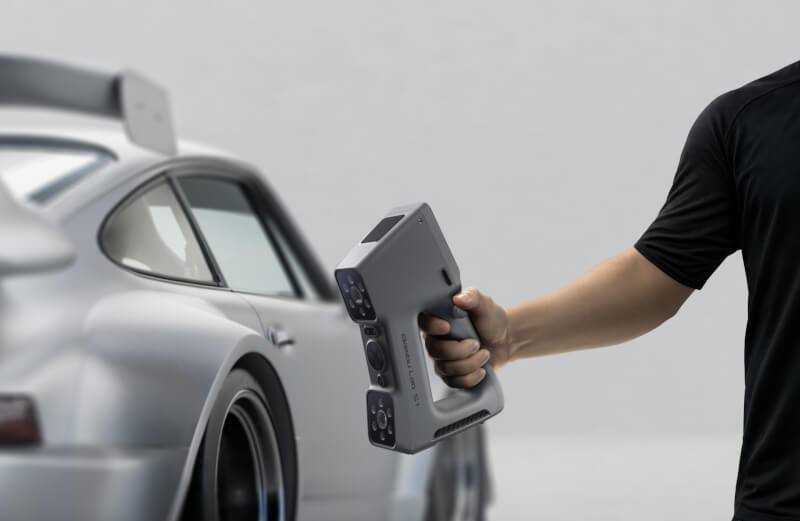
The application itself also contains 8 advanced editing and measurement tools , which are activated at no additional cost when the scanner is connected to the PC:
Once the model is finished, it is sent directly to Bambu Studio with a single click, ready for 3D printing. The software supports Windows from launch, with support for macOS on the way.