25 Sep
gadgets

Central Specifications
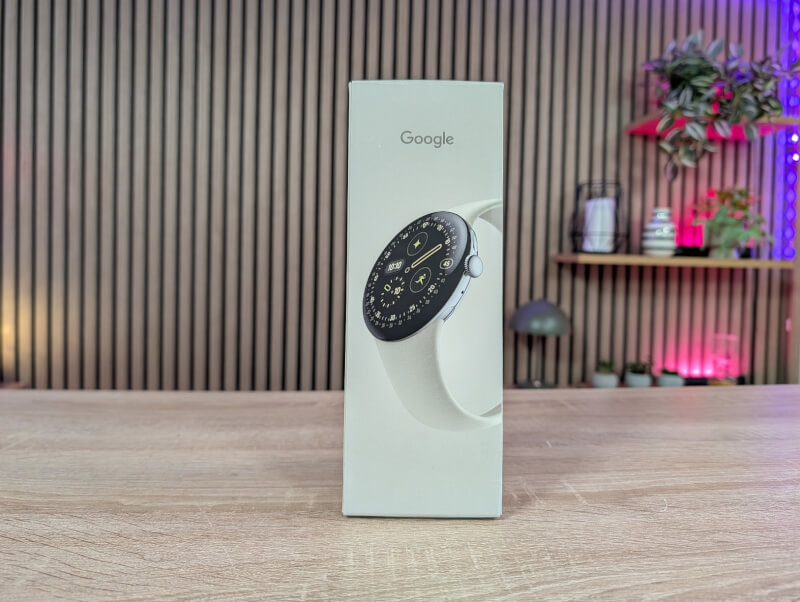
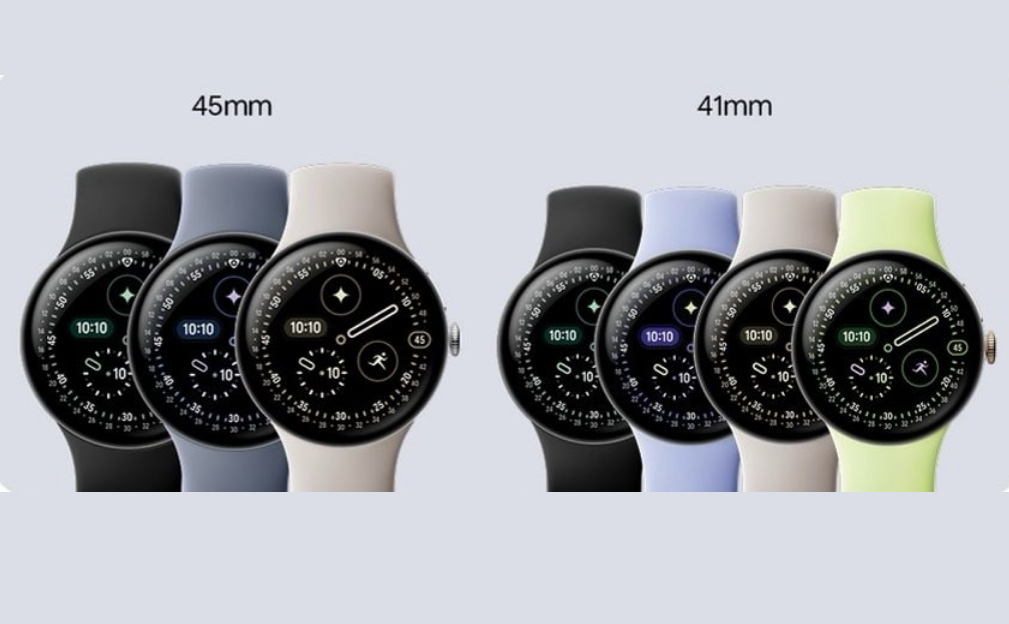
As mentioned, the Pixel Watch 4 comes in two sizes, and we've been visited by the large 45mm variant. The 45mm version is available in three colors: Matte Black, Satin Moonstone, and Polished Silver, which is the one we have on the test bench.
A tour around the Google Pixel Watch 4 (45mm)
With the Pixel Watch 4 in the 45mm size, Google has finally delivered a watch that feels like a true flagship product. It's still the familiar round shape, but with a number of physical and functional improvements that make it more than just an upgrade, it truly feels like a new generation.
The screen is one of the biggest innovations. The new Actua 360 AMOLED LTPO screen is physically curved under the glass and has 10% larger active area and 16% smaller bezel than its predecessor. With up to 3000 nits of brightness, it is among the brightest on the market, and it makes a real difference in direct sunlight.
It's all wrapped in Gorilla Glass 5, which still doesn't quite match the sapphire glass of its competitors, so a screen protector might be a good idea. One very small difference from the Pixel Watch 3 series is that the glass now curves up slightly in the middle. It's a very slight detail that I mostly only noticed when I went straight from the Pixel Watch 3 to the Pixel Watch 4.
The watch case itself is made of aerospace-grade aluminum and feels both lightweight and robust. At 12.3 mm thick and weighing 36.7 g (without strap), the watch sits comfortably on the wrist and doesn't feel heavy, even with the larger battery capacity.
The design is still minimalist and elegant, but with a more rounded and modern finish. The exterior design is largely identical to the Pixel Watch 3 series. However, there are small differences, including the sensors on the bottom and the connection for charging is located on the side of the watch, instead of the bottom like the last generation.
This also means that there is a new charger for the Pixel Watch 4. So we can no longer use the same one that was used for the Pixel Watch 2 and 3.
The included silicone Active strap, however, is in exactly the same style as on the Pixel Watch 3. The colors are new depending on which color combination you choose, but you can use all the same straps as on the Pixel Watch 3.
The Pixel Watch 4 also comes in two versions in terms of connectivity. You can choose between a basic Bluetooth/WiFi version and one with 4G LTE + Bluetooth/WiFi.
Under the hood, we find a Snapdragon W5 Gen 2 chip and a new Cortex M55 co-processor, which is 25% faster and uses half the power than before. This means faster response and better battery management, and you should feel it. The battery is rated to last up to 40 hours with Always-On Display and up to 72 hours with Battery Saver.
Charging is done via the new switch on the side of the watch and the included Quick Charge Dock, which provides 50% power in just 15 minutes.
The sensor package is comprehensive and includes everything from heart rate measurement and SpO2 to skin temperature and cEDA (electrical skin response). A new feature is "Loss of Pulse Detection", which can detect cardiac arrest and automatically call for help. In addition, there is dual-band GPS, which provides more accurate tracking in urban areas and forests.
Software-wise, the Pixel Watch 4 runs Wear OS 6 and will get three years of updates. The new Material 3 Expressive UI makes interactions more personal and colorful, and Gemini AI is now built right into the watch. You can use "Raise to Talk" to wake Gemini up without saying "Hey Google."
The Fitbit part has also been upgraded. The watch can automatically track and classify activities, even if you forget to start a workout. There are new workouts like pickleball and basketball, and you can project your cycling data directly to your Pixel phone as an alternative cycling computer. A new AI-based health coach is also on the way, which should provide personalized guidance based on your goals and daily data.
Setup and software
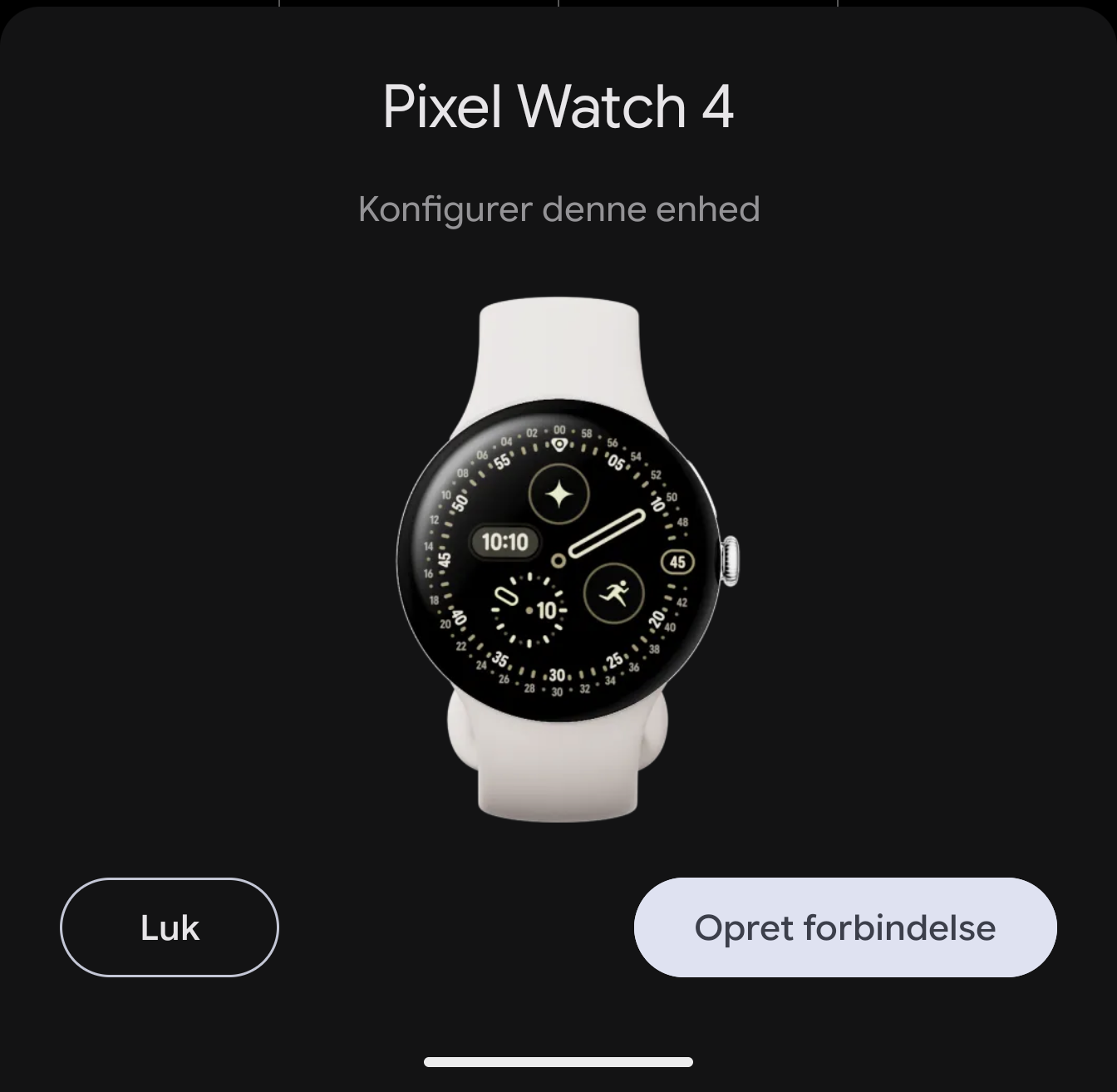
Setting up a new Pixel Watch 4 remains an easy and relatively quick affair, handled with a guide that takes care of connecting to your phone and setting up a Google account for apps and synchronization.
The operating system on the Pixel Watch 4 is WearOS 6 and includes a wealth of apps at startup. There is of course a wide selection of Google apps, which sync with your Google account and the content on your connected phone.
This means that you can easily and quickly check emails, notes, calendar, etc. on the watch without having to take your phone out of your pocket.
Beyond that, Fitbit, not surprisingly, still plays a large role in fitness and especially run tracking.
In addition to the apps that are installed by default, it is also possible to add others via the Google Play Store.
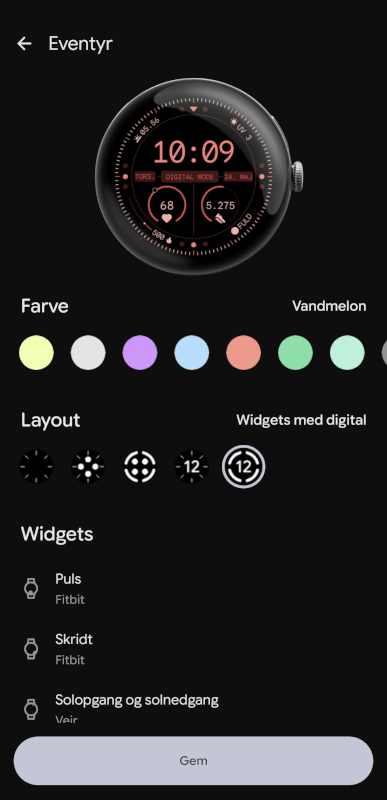
WearOS is gradually becoming a solid operating system that provides a stable foundation for the watch. WearOS 6 has received a nice boost compared to the previous version and is now a little more colorful.
There are wide options for customizing the watch face and setup to best suit the things you want to use your watch for.
There is also a good selection of watch faces, both from Google and from third parties, which focus on varying degrees of functionality or style.
In addition, you can also largely choose how to sort apps and set up shortcuts to favorites, so that the watch is tuned specifically to your needs.
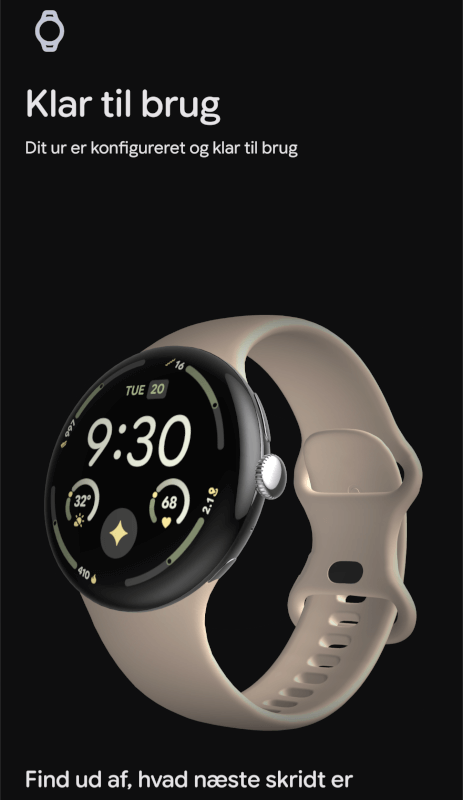
By swiping to the side of the watch, you quickly get access to a selection of different apps, which you choose and place as you see fit.
Test
I've been using the Google Pixel Watch 4 for a few weeks now, alongside the Pixel 10 Pro XL. Unsurprisingly, pairing the two devices has been a breeze, now that everything is in the same Pixel family.
It was easy to transfer from a previous Pixel watch, so if you're one of those upgrading, it's an easy task.
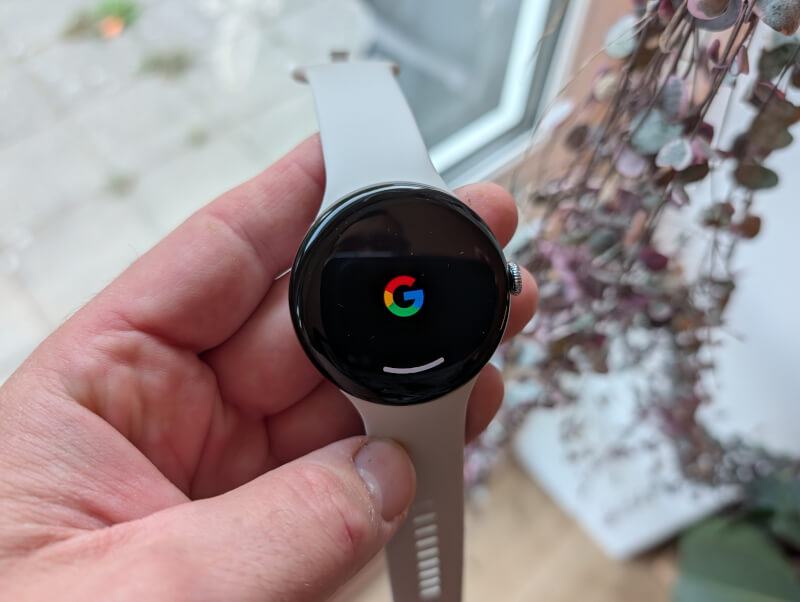
The vast majority of the time with the watch has been spent doing normal everyday things, such as receiving and checking notifications, acting as an alarm clock, and then the regular watch functions.
On that front, I haven't had any problems at all. The connection has been stable and notifications have been received continuously for the apps that have permission to do so.
It is possible to reply to messages and emails via the watch. Personally, it is quite difficult for me to use the very small keyboard with my sausage fingers. The larger active area on the screen helps of course, but it is still not the most optimal way to do it.
Fortunately, there is a very well-functioning speech to text function. So you can just speak your response to, for example, a Messenger message. In my tests, it worked flawlessly every time. It's just a matter of speaking and then pressing send.
On the AI and Assistant front, Google has now completely switched to Gemini as an assistant instead of the old Google Assistant. It is generally a good solution that works well, but I have experienced a few challenges, which probably stem from using the watch in Danish.
Occasionally, when I tried to use voice control via the watch to control my Google Home functions, Gemini on the watch interpreted my messages as questions instead of Smart Home control. Occasionally, it also changed language, and instead of performing the Google Home task I asked it to, it translated my Danish Google Home message into English and explained what it meant…. in English.
It wasn't always, but occasionally it happened and there was no immediate system for why and when it happened. I imagine that it is a bug that will eventually be weeded out of the system.
A big part of the Pixel Watch 4's touted features is its fitness tracking capabilities via Fitbit, an area that has been given a boost with the Pixel Watch 4 and now works even better.
I have primarily used the watch for tracking in connection with strength and interval training, supplemented by a bit of running, and then of course for general tracking during the day.
You can set your own goals for training and steps, and receive reminders via the watch throughout the day to remember to move and reach your step goals.
Pixel Watch 4 can detect if you are, for example, out walking or running and ask you if you want to start a workout recording.
Of course, the most effective tracking is achieved if you choose the right type of training yourself, and start it yourself when you get started. There is a wide selection of training types to choose from via the Fitbit app, right down to individual exercises.
Based on my time with the watch, the tracking works well and the collected data gives a good picture of the training. This can then be used as a basis for tracking over time, of the general physical condition and progress in the training.
The biggest improvements to the Pixel Watch 4, I think, are in the display and battery life. The new larger and brighter display means it's easier to see and use the watch in pretty much any situation. It feels like a much bigger screen, even though the watch itself is the same size as the last generation.
Battery life has also been given a nice boost. Actual battery life will of course vary a lot based on your usage patterns, as things like Fitness Tracking with GPS are hard on the battery compared to regular everyday use.
Google says we can expect up to 40 hours of use with Always On Display and 72 hours with Battery Saver. During my time with the watch, I've used something in between, where I haven't had Battery Saver enabled, but I've used the watch without Always On Display.
With those settings, I was able to easily get more than two days of use out of the watch during periods without training. It's not record-breaking, but it's very usable and a noticeable upgrade.
However, the new charger means that charging the Pixel Watch 4 is quick and easy. The watch can be fully charged in an hour, while you can get up to 50% in just 15 minutes. With charging at that speed, it's easy to quickly power up your watch while you're in the shower or getting ready for the day in the morning.
Price
The Google Pixel Watch 4 is available in the 45 mm version from $399 for the Bluetooth/WiFi version, while the 4G LTE version costs $499. The 41 mm version is available from $349 for the Bluetooth/WiFi version, while the 4G LTE version costs $449.
Conclusion
Google has made some really good updates to their Watch series with the Pixel Watch 4 series. The screen and battery life in particular have been given a good boost, meaning that usability is clearly better than the previous generation.
If you're in the Android/Pixel ecosystem, the Pixel Watch 4 is a great companion. Connectivity and integration are top-notch, and if you're the type who wants to track your workouts and sleep, the Pixel Watch 4 does the job really well.
We land with a final score of 9 for a solid upgrade to the Pixel Watch series.
Advantages
Disadvantages